
How to Install the ArtisanConnect App on Your Phone
Install ArtisanConnect on your phone in seconds. No App Store or Google Play required, just add it to your home screen and use it like a regular app.
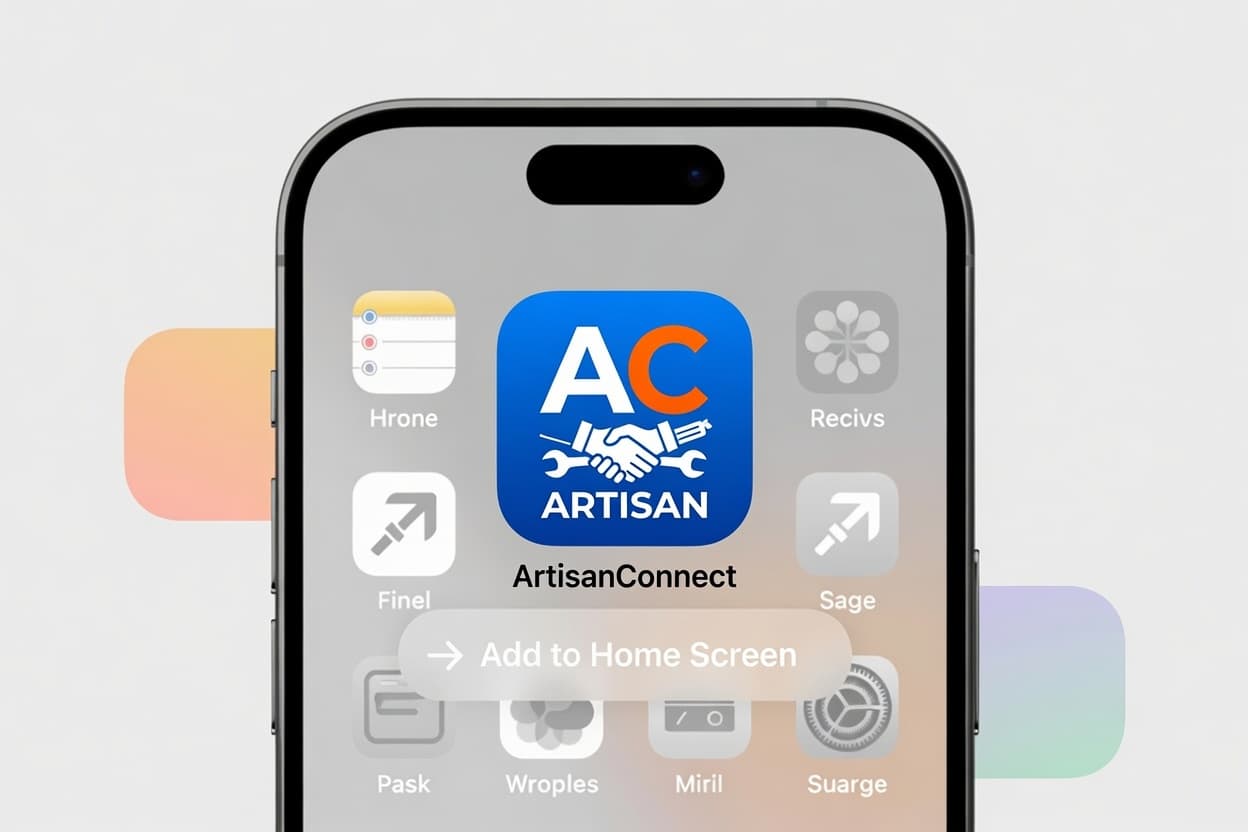
ArtisanConnect is available as a Progressive Web App (PWA). This means you can install it directly from your browser onto your phone’s home screen, no App Store or Google Play download required. Once installed, it works just like a regular app, with one-tap access anytime.
Here’s how to set it up on your device:
🍎 For iPhone / iPad (iOS)
Video Tutorial: Watch how to install on iPhone/iPad
1. Open Safari and go to artisanconnect.com.ng. (Important: This only works in Safari.)
2. Tap the Share button at the bottom of the screen (the square icon with an arrow pointing up).
3. Scroll down and tap Add to Home Screen.
4. Tap Add in the top-right corner.
🤖 For Android
Video Tutorial: Watch how to install on Android
1. Open Google Chrome (or your preferred browser) and go to artisanconnect.com.ng.
2. Tap the three dots in the top-right corner of the screen.
3. Select Add to Home screen or Install app.
4. Tap Add or Install to confirm.
📱 Once Installed
The ArtisanConnect icon will appear on your home screen, giving you instant, one-tap access to the platform anytime.